
Shop at your convenience
Browse craft supplies and handmade décor from your Android phone.

YOUR CREATIVE WORLD, ON ANDROID
From your next idea to your next delivery. Browse resin art supplies, candle-making materials and handmade décor with Bina’s Art.
Download on Google Play (opens in a new tab)
Currently available for Android. iPhone and iPad shoppers can continue on our website.
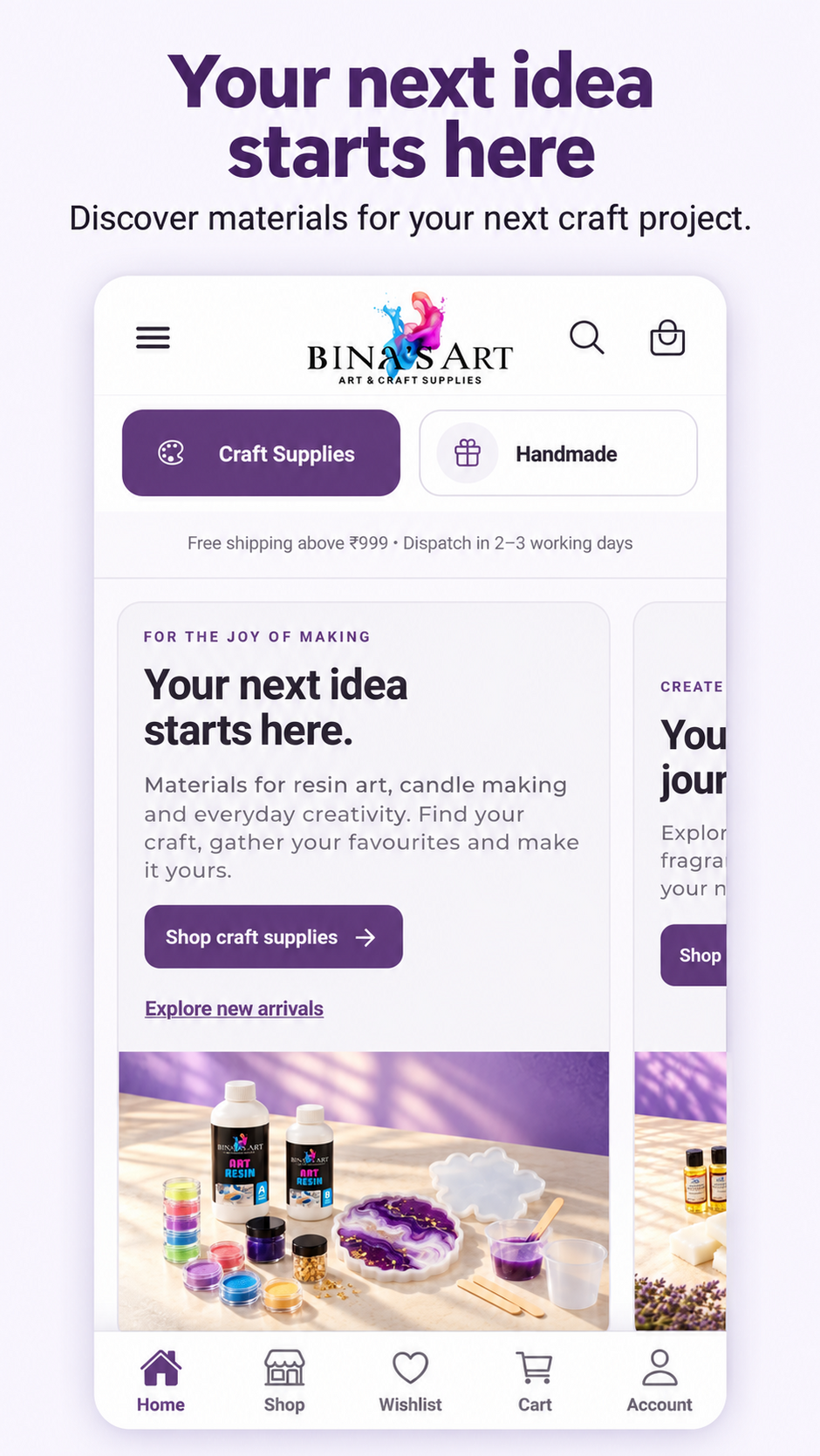
Browse craft supplies and handmade décor from your Android phone.
Find materials by craft and category, then search for exactly what your project needs.
Save favourite products and return to your ideas when you’re ready.
Choose available variants and quantities, and review your selections before checkout.
Complete your purchase through Shopify checkout with the payment options available for your order.
Access order history and view available shipment tracking and delivery information.
Explore the Bina’s Art app through these previews. Screens and product details may vary by app version.
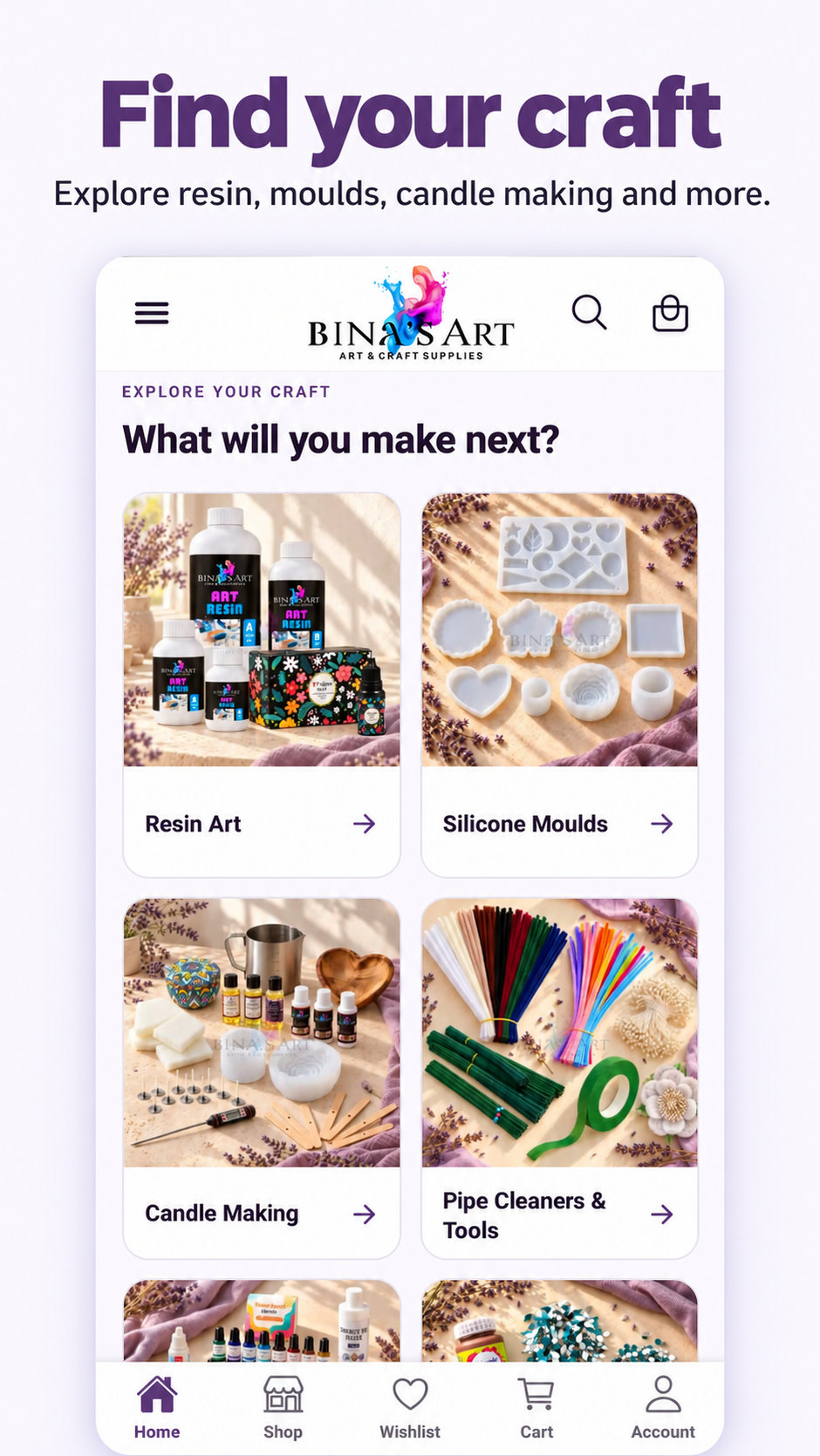
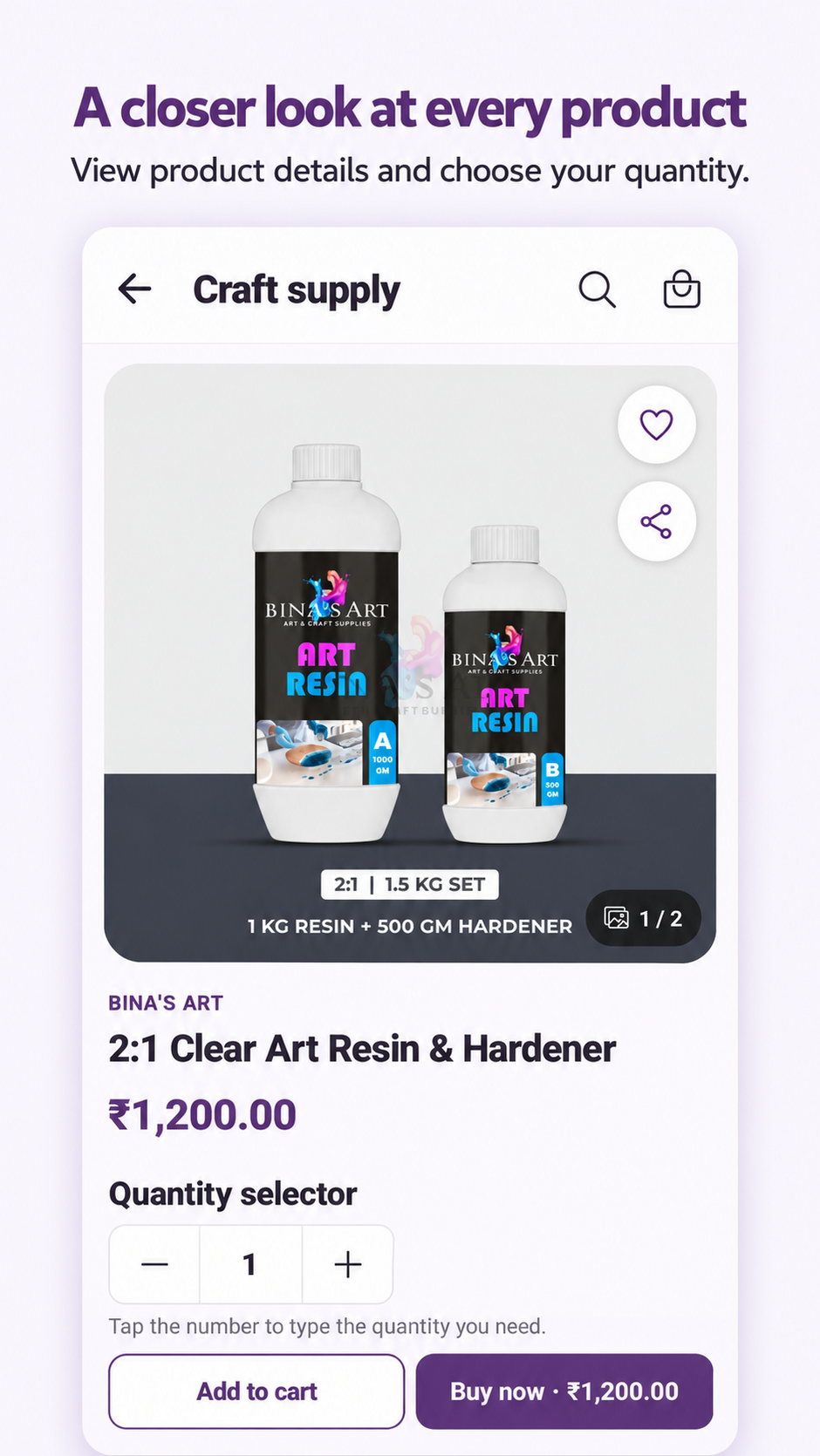

The app is currently available for Android. You can shop on binasarts.com using an iPhone, iPad or desktop browser.
Yes. Download Bina’s Art from Google Play for free. Product purchases and any applicable shipping charges are separate.
Use the same email address you use for Bina’s Art to sign in and access the orders linked to that account.
Open your account and select an order. Tracking becomes available when shipment information has been added to the order.
Google Play checks compatibility for your device. You can continue shopping through our website if installation is unavailable.
Visit our contact page for help, or read our privacy policy.